
Content Tools for Travel Agents & Content Creators, Organized by Goal
Every tool in the Magical Wanderlust studio is built to help travel agents and content creators create content faster and turn followers into booked clients — from ready-to-use hooks and AI caption tools to done-for-you client scripts, whether you sell Disney or destinations beyond. Not sure where to begin? Start on the Magical Wanderlust homepage, or pick the problem you want to solve below.
What do you need help with today?
Pick a goal and jump straight to it.
Create Content Faster
Turn ideas and travel photos into posts, captions, hooks, and Stories.
See these tools → 💬Convert More Travel Leads
Respond confidently, follow up consistently, and guide inquiries toward booking.
See these tools → 📸Create Better Travel Photos
Capture and edit polished travel content without complicated equipment.
See these tools → 🎬Post Ready-Made Park Content
Fresh, done-for-you park photos and clips you can post without waiting for your next park day.
See these packs →Need help knowing what to post?
Start wherever you're stuck — a quick spark of inspiration, help writing the whole post, or a system that plans and writes for you.
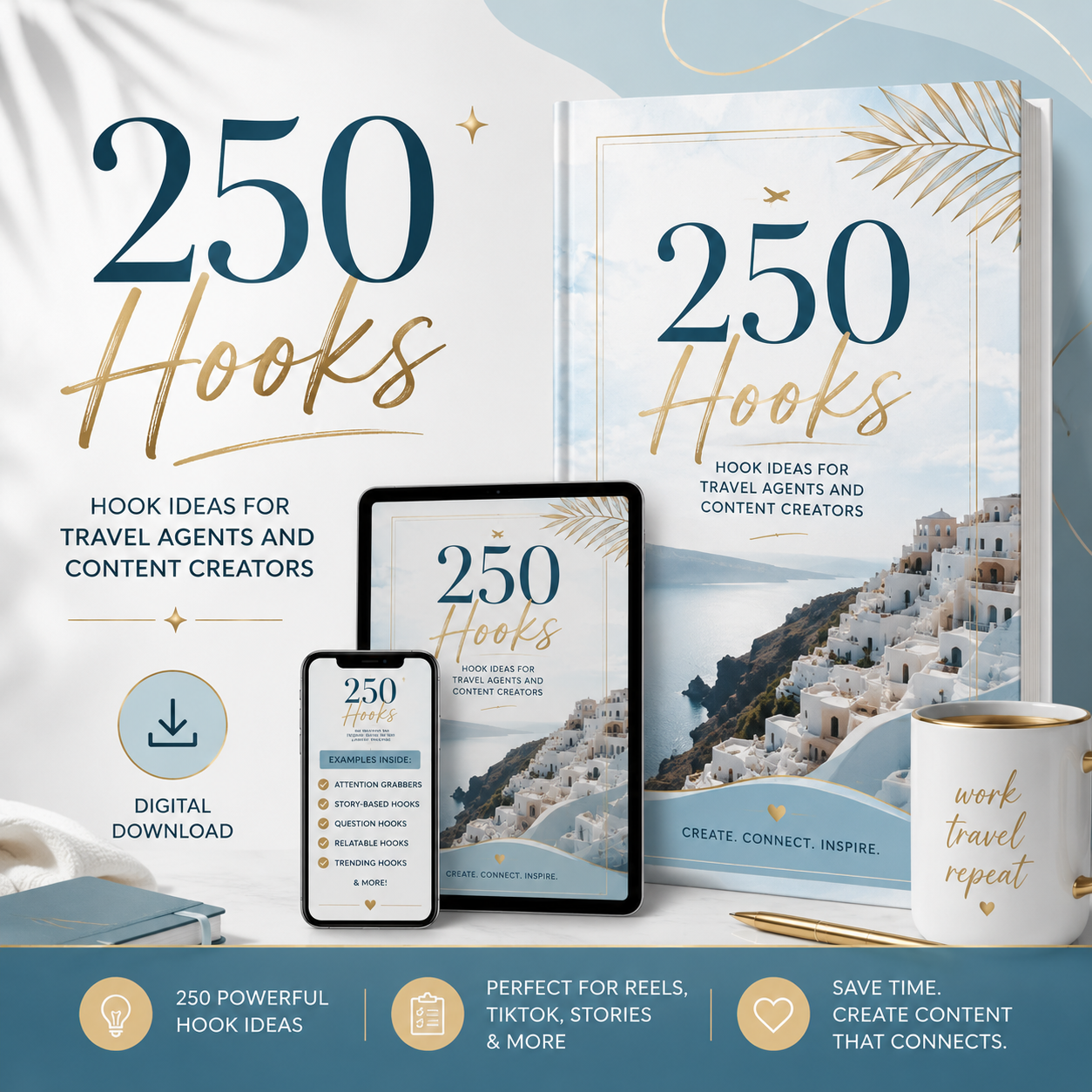
250 Disney Hooks
250 scroll-stopping, ready-to-use Disney hooks. Pick one, plug it into your next post, and watch engagement climb.
Next step → Hooks & Captions GPT
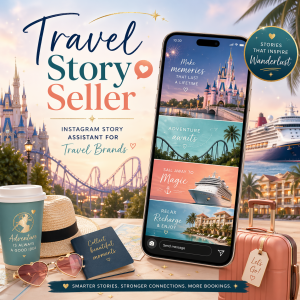
Travel Story Teller Bot
Turn your trips into scroll-stopping Instagram Stories in minutes — hooks, captions, and prompts that keep your audience tapping through.
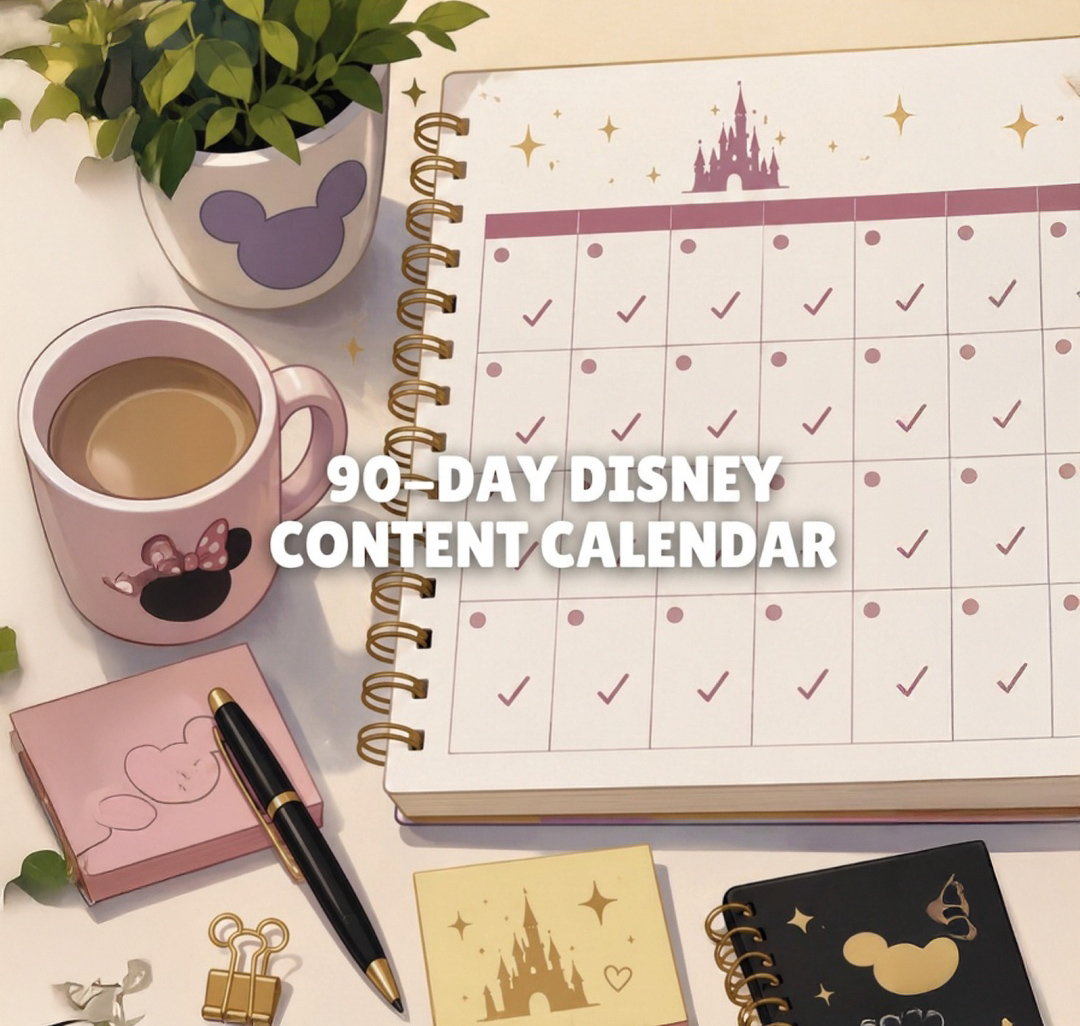
90-Day Disney Content Calendar
Three months of ready-to-use Disney content ideas so you can show up consistently, grow your audience, and promote your offers without starting from scratch every day.
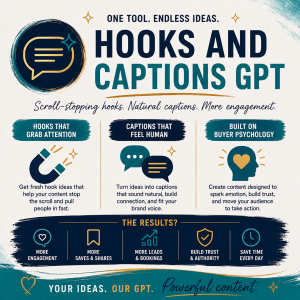
⭐ Hooks & Captions GPT
You have the ideas — this writes the scroll-stopping hooks and captions in minutes, so you stay visible without staring at a blank screen.
Next step → Camera Roll to Content
Hooks & Captions Claude Skill
The Claude version of Hooks & Captions. Add the Skill to Claude and turn everyday content into hooks, captions, Story ideas, carousel concepts, and promo posts — without staring at a blank screen.
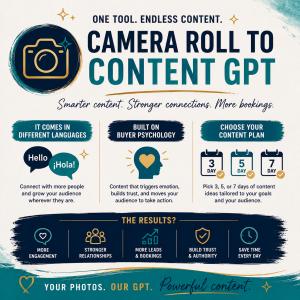
Camera Roll to Content GPT
Upload the park pics already sitting in your camera roll and get captions, hooks, and post ideas in minutes — no more overthinking what to share.
Next step → The Content Creator Bundle
Camera Roll to Content Claude Skill
The Claude version of Camera Roll to Content. Upload five travel photos, choose your content mode, and Claude turns them into a personalized strategy — Reel concepts, captions, and post ideas.

The Content Creator Bundle
Both bestsellers together — Hooks & Captions GPT and Camera Roll to Content — the complete toolkit to create weeks of content in minutes.

Content Creator Bundle For Claude
Your complete AI content toolkit for travel agents, built for Claude — the Hooks & Captions and Camera Roll to Content Claude Skills together, so you can plan, create, and grow without staring at a blank screen.
Getting inquiries but struggling with what to say next?
Three tools that build on each other: ready-to-send inquiry replies, scripts for the full conversation, then personalized help closing in real time.
Inquiry Script Vault
Ready-to-use inquiry response scripts for every type of client — first-timers, budget families, repeat visitors, groups, honeymoons. Fill in the brackets and hit send.
Next step → Client Conversion Kit
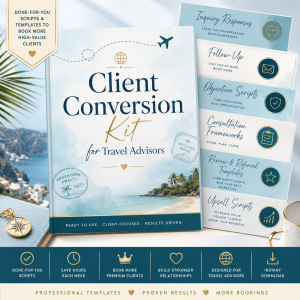
Client Conversion Kit
135+ done-for-you scripts, templates, and frameworks for every stage — inquiry, follow-up, objection handling, consultations, reviews and referrals. One booking pays for it ten times over.
Next step → Closing Assistant
Travel Proposal Pro GPT
Transforms supplier itineraries, resort descriptions, cruise details, and packages into polished, personalized travel proposals that build excitement, reinforce your expertise, and help clients feel confident about booking.
Next step → Closing Assistant
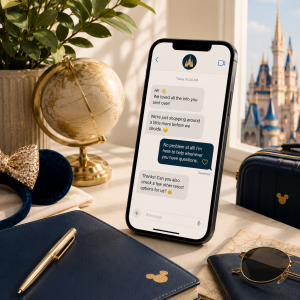
💬 Travel Agent Closing Assistant
The follow-up is where bookings are won or lost. This GPT helps you answer hesitant clients and objections with warm, professional messages — without sounding pushy or rewriting the same reply all night.
Want better travel content before you even write the caption?
Capture cleaner shots, edit them like a pro, and — when you're ready — turn your editing skills into a product of your own.

Creator's Cheat Sheet to Magical Photos
Improve your photos using built-in phone settings, choose the best lighting and angles in parks and resorts, and prep shots so your presets pop — no fancy gear required.
Next step → iPhone Editing Guide

Edit iPhone Vacation Photos Like a Pro
Transform your iPhone shots into bright, balanced, professional-quality photos with my favorite tools, color tricks, and editing shortcuts used in Disney parks and resorts.
Next step → Create & Sell Presets Workbook

Mini Workbook: Create & Sell Your Own Presets
Learn how to create, name, price, and sell your own Lightroom presets — just like I did. Includes checklists, templates, and my step-by-step process to start selling your creative work.

Ultimate Disney Portrait Preset Pack (8)
8 professional Lightroom presets that enhance portraits in one click — smooth skin tones, eyes that pop, colors that glow. A perfect first taste of the editing tools.
Want fresh park content without a park day?
Done-for-you Disney photos and vertical video clips, ready to post the moment you download them — so you can show up consistently while each season and festival is top of mind.

🎃 Magic Kingdom Halloween Ultra Content Pack
40 Magic Kingdom Halloween photos and 15 vertical video clips, ready to post the moment you download them — plus a Halloween Lightroom preset bundle and matching hooks so you can fill your feed all season without a park day. Features Halloween decor and merchandise around Magic Kingdom. Does not include Mickey's Not-So-Scary Halloween Party.

🍷 EPCOT 2026 Food & Wine Content Bundle
100+ opening day photos and 10+ vertical videos from EPCOT Food & Wine — festival food and drinks, signage, decor, and atmosphere you can post right away. Includes 15 ready-to-use hooks and an individual commercial use license, so you can use it across Reels, Stories, posts, proposals, and email for your own business.
Save when you grab a full toolkit
Get everything for one goal in a single purchase — a better deal without making any single tool feel pointless.
The Content Creator Bundle
Hooks & Captions GPT + Camera Roll to Content — planning and writing help in one place.
Content Creator Bundle For Claude
The Hooks & Captions and Camera Roll to Content Claude Skills together — your complete AI content toolkit, built for Claude.
Frequently Asked Questions
Do I need a paid ChatGPT account to use these GPTs?
No. You can use custom GPTs with a free ChatGPT account. Free accounts have lower usage limits, so once you hit your limit you may need to wait for it to reset. Paid plans generally provide higher allowances and fewer interruptions.
How many times can I use the GPT?
There's no set number of lifetime uses. You can return and use it again as long as you have the product link and your ChatGPT account. Your daily or hourly usage is controlled by ChatGPT, not by this product.
Why did the GPT stop responding or tell me I reached a limit?
This usually means you reached your current ChatGPT usage limit — it doesn't mean the GPT is broken or that you lost access. Wait for the limit to reset, or review upgrade options inside your ChatGPT account.
Is my purchase a ChatGPT subscription?
No. Your purchase gives you access to the specific GPT product. It does not include a paid ChatGPT membership. Any ChatGPT subscription fees are separate and paid directly to OpenAI.
Do I need to download anything?
No. These GPTs are used directly inside ChatGPT. You'll sign in to your ChatGPT account and open the access link provided after purchase. You can use it on desktop or the official ChatGPT app.
Can I share the GPT link with someone else?
No. Your purchase is for your personal or business use only. Please don't share, resell, distribute, or publicly post the private access link.
Are the responses always perfect?
Nope. AI is helpful, but it's not magic wearing Mickey ears. 😅 Always review the output before posting — check destination details, pricing, policies, dates, and spelling. You're responsible for approving the final content.